
TM SIM Registration Online Link 2026
Register your new or existing TM SIM through Globe’s official registration portal. Keep your valid ID and selfie ready, then complete the secure online process in just a few minutes.
REGISTER TM SIM NOW
TM SIM Registration Guide: Table of Contents
- TM SIM registration methods
- Which registration method is best?
- Requirements and accepted IDs
- How to check registration status
- Troubleshooting common errors
- Frequently asked questions
Reviewed July 30, 2026 by Zarak, Editorial Contributor: This independent guide uses Globe’s official registration instructions and the Philippine SIM Registration Act as primary sources. It is not the official TM or Globe registration porta.
What Is a TM SIM?
TM (Touch Mobile) is Globe Telecom’s value-focused prepaid mobile brand in the Philippines. TM customers use Globe’s network and GlobeOne services for calls, texts, data, account management, and SIM registration.
A TM SIM is not active for normal mobile service until the owner completes identity verification under the SIM Registration Act. Registration links the mobile number to the verified subscriber; it does not make this independent website an official Globe or TM service.
Why Register Your TM SIM?
Activation and legal compliance
Republic Act No. 11934 requires SIM registration as a condition for activation. A new TM SIM remains unable to make calls, send texts, or use mobile data until registration is completed.
Fraud prevention and account recovery
Verified subscriber details help telecom providers investigate misuse and confirm ownership when a SIM is lost, stolen, replaced, or associated with suspicious activity.
Continued access to TM services
After successful registration and activation, the SIM can access eligible TM calls, texts, data, promos, and GlobeOne account features. Promo eligibility is separate from registration and can change over time.
TM SIM Registration Online: Three Methods
You can register a TM SIM through Globe’s official online portal, the GlobeOne app, or a Globe Store. Choose the method that best matches your device, internet access, and need for assistance:
1. Register via the Official Portal
Follow this visual guide to complete TM SIM registration through Globe’s official portal. Prepare the TM number, accepted ID, and a camera-enabled device before starting try spin the wheel.
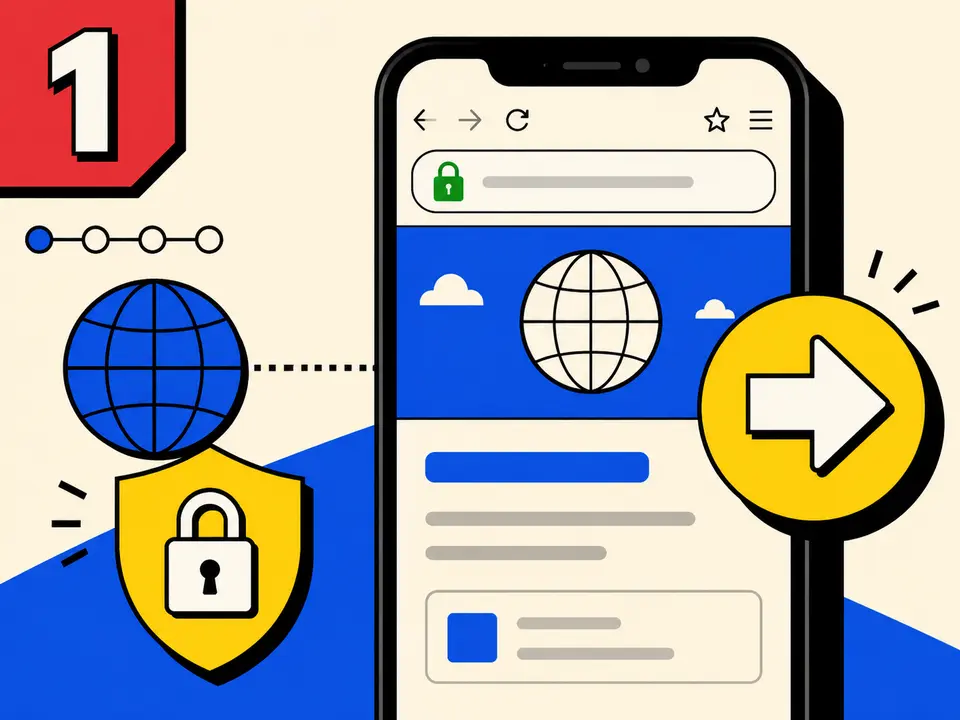
Open the Official Portal
Open the embedded TM registration portal or continue directly to Globe’s official registration domain. Check the web address before entering personal information.
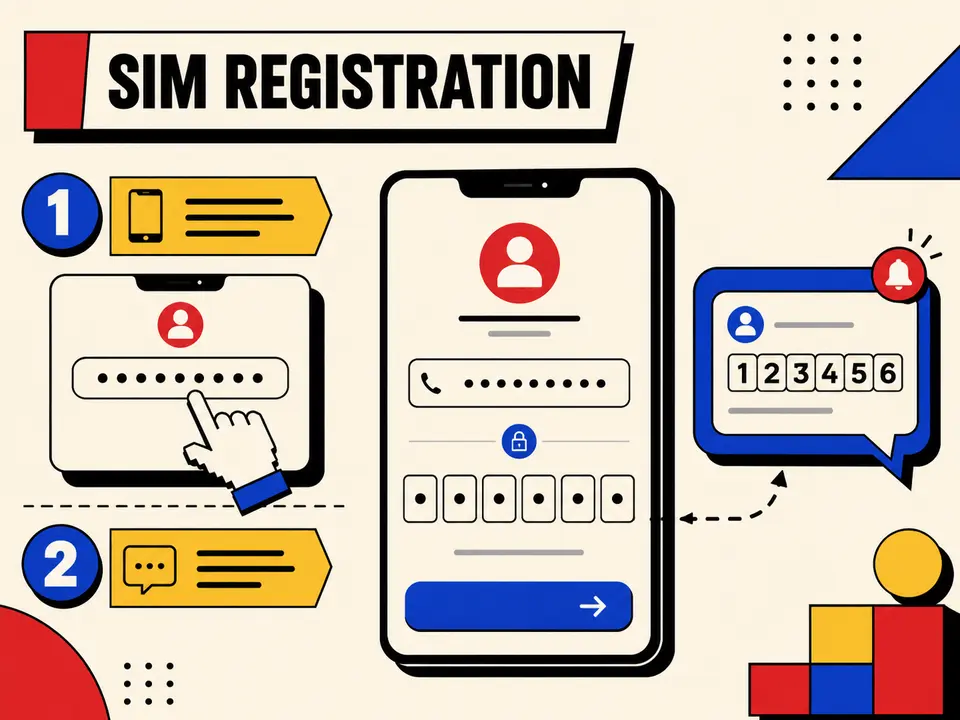
Enter the Number and Verify OTP
Enter the 10-digit TM mobile number requested by the portal, request the OTP, and type the six-digit code before it expires. Never share the OTP with anyone.
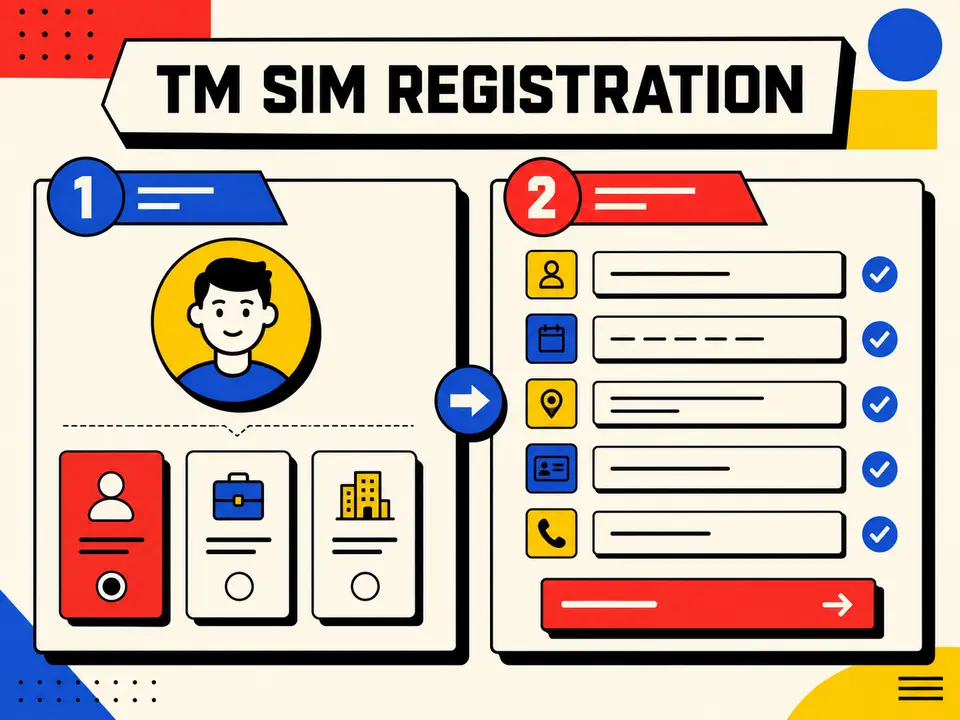
Select Type and Add Details
Choose the registration type that applies to you. Enter the subscriber’s name, birth date, address, nationality, and other requested details exactly as shown on the supporting documents.
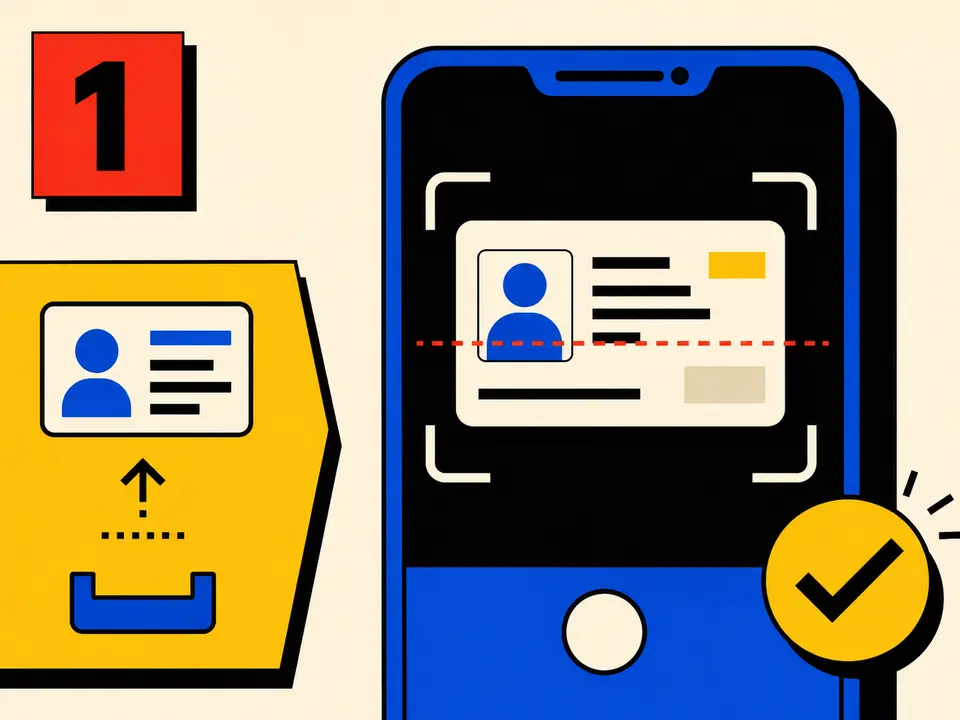
Scan or Upload a Valid ID
Select an accepted government-issued ID and follow the live instructions to scan or upload the required side or sides. Keep every detail visible and avoid blur, glare, shadows, or cropped edges.

Take a Live Selfie
Allow camera access and follow the portal’s face-positioning prompts. Use bright, even lighting; remove masks, hats, and sunglasses; and keep your face fully inside the frame.

Review, Submit and Save
Check every detail, accept the privacy notice and accuracy declaration, then submit. Save the confirmation or reference number displayed after a successful submission.
2. Register via the GlobeOne App
The GlobeOne app provides another mobile-friendly way to complete TM SIM registration:
- Install or update the GlobeOne app from your device’s official app store.
- Open the app and find the SIM registration option.
- Enter the TM number and request an OTP.
- Enter the OTP to verify the mobile number.
- Complete the subscriber details exactly as shown on the accepted ID.
- Upload a clear ID image and take the required selfie.
- Review the information, submit it, and save the confirmation or reference number.
3. Register at a Globe Store
If online Globe TM SIM registration fails repeatedly, visit a Globe Store for assisted registration:
- Bring the TM SIM and an original, unexpired government-issued photo ID.
- Bring any additional documents required for a minor, foreign national, or organization.
- Ask the store representative for SIM registration assistance.
- Check the submitted details and keep the confirmation or reference number.
Which TM SIM Registration Method Is Best?
Choose the method that matches your device, internet access, and need for assistance. The official online portal is usually the fastest option, while a Globe Store is better when identity verification or document uploads keep failing.
| Method | Best for | Internet | Typical time | Support |
|---|---|---|---|---|
| Official online portal | Fast registration at home | Required | 5–10 minutes | Self-service |
| GlobeOne app | Users who manage TM on mobile | Required | 5–10 minutes | In-app guidance |
| Globe Store | Upload, ID, or OTP problems | Not required by the user | Varies | Staff assistance |
TM SIM Registration Documents and Eligibility
For a standard Filipino registration, prepare an active TM number that can receive an OTP, accurate subscriber details, one original unexpired government-issued photo ID, and a clear live selfie.
- Minor: the parent or legal guardian completes the registration.
- Foreign national or tourist: passport, Philippine address, and immigration or travel documents may be required.
- Business or organization: authorized-representative and entity documents may be required.
View the complete TM SIM requirements and accepted-ID checklist →
Tips for Successful TM SIM Registration
- Use only Globe’s official portal or the GlobeOne app; never submit an ID or OTP to an unrelated website.
- Enter the owner’s name, birth date, and address exactly as shown on the supporting documents.
- Use sharp, well-lit images and follow the file-size and format instructions displayed by the portal.
- Keep the TM SIM inside a phone with a stable signal so the OTP arrives before it expires.
- Review every field before submitting and save the final reference number.
- If repeated attempts fail, contact Globe support or visit a Globe Store with the SIM and valid ID.
Confirm That Registration Was Completed
After submission, keep the reference number and look for Globe’s confirmation. You can also verify the number through GlobeOne or the registration portal using OTP verification.
See all TM SIM status-check methods and result meanings →
If the Registration Form Does Not Work
Check the TM number and signal, use an updated browser or GlobeOne, prepare a clear unexpired ID and unfiltered selfie, and retry on a stable connection. Do not repeatedly request OTPs in a short period.
Open the detailed OTP, ID, selfie and upload error guide →
TM SIM Registration Privacy and Scam Safety
- Enter personal information only on a verified Globe domain or in the official GlobeOne app.
- Never disclose the OTP to a caller, chat agent, social-media account, or third-party website.
- Do not publish an ID image, selfie, mobile number, or registration reference number.
- Review the browser address before uploading identity documents, especially after following an advertisement or social link.
- Report an unfamiliar registration record, lost SIM, or suspected account takeover to Globe immediately.
Why Is SIM Registration Necessary?
The SIM Registration Act requires subscriber identification before activation and aims to reduce scams, spoofing, and anonymous misuse of mobile numbers. Supplying false information, using fraudulent identification, or selling a registered SIM without following the law can lead to penalties. Use your own accurate details and protect every OTP and identity document.
TM SIM Registration Helpline
For registration errors that cannot be resolved online, use Globe’s official support channels:
- TM mobile: dial 808.
- Landline: call (02) 7730-1000.
- Online help: use Globe’s official contact page or the GlobeOne app.
- In person: visit a Globe Store with the TM SIM, valid ID, and any saved reference number.
What Happens After TM SIM Registration?
Keep the reference number and wait for Globe’s confirmation. A new SIM becomes usable after registration is accepted and network activation finishes. If calls, texts, or data still do not work, follow the TM SIM activation checks.
TM SIM Registration Help by Situation
Choose the guide that matches the task you need to complete. Each page gives a direct answer first, then a detailed checklist and official source.
| Your situation | Best guide |
|---|---|
| You want to confirm whether the number is registered | Check TM SIM registration status |
| You need the document and valid-ID checklist | TM SIM registration requirements |
| Your registered information is wrong or outdated | Update TM SIM registration details |
| The SIM belongs to a person under 18 | TM SIM registration for minors |
| You are a tourist or foreign resident | TM SIM registration for foreigners |
| The OTP, ID, selfie, upload, or portal is failing | TM SIM registration troubleshooting |
| The phone or SIM was lost or stolen | Block and replace a lost TM SIM |
Frequently Asked Questions
1 How can I register my TM SIM?
Open Globe’s official SIM registration portal, enter the TM number, verify the OTP, complete the subscriber details, upload an accepted valid ID, take the required selfie, and save the reference number after submission.
2 What are the requirements for TM SIM registration?
Prepare the active TM mobile number, accurate subscriber details, an accepted government-issued ID, and a clear selfie. Minors, foreign nationals, and organizations may need additional documents.
3 How do I check if my TM SIM is registered?
Check through the GlobeOne app or Globe’s official registration portal after verifying the mobile number. Contact official Globe support if the status remains unclear.
4 What happens if I do not register a new TM SIM?
A new TM SIM cannot be activated for normal calls, texts, or mobile data until the required registration has been completed.
5 Are rewards guaranteed after registration?
No permanent reward is guaranteed. Promotions may change or expire, so check the GlobeOne app or TM’s official channels for current offers.
6 Can I update incorrect registration details?
Use the option provided by Globe after OTP verification, where available, or visit a Globe Store with the TM SIM and a valid ID to request assistance.
7 Can I register more than one TM SIM?
Yes. Complete a separate registration and verification process for every TM mobile number under the correct owner’s details.
8 Can I register an old or deactivated TM SIM?
A new or still-active TM SIM can be registered online. If an older SIM has already been permanently deactivated, contact a Globe Store to ask whether recovery or replacement is available.
Conclusion
TM SIM registration is free and can be completed through Globe’s official portal, the GlobeOne app, or a Globe Store. Prepare the correct subscriber details, a valid ID, and a clear selfie; verify the OTP; review the form; and save the reference number. If the portal rejects an upload or the status remains unclear, contact Globe through an official support channel.